Key Steps guide
Delta Executor Key — Step-by-Step
·Delta Executor
This post covers the Receive Key flow. Free keys usually last about 24 hours. Premium skips the daily loop — see Premium.
Install Delta first from the download hub, then follow these steps.
Step 1 — Open the key system page
- Launch Delta.
- Join a Roblox experience when asked.
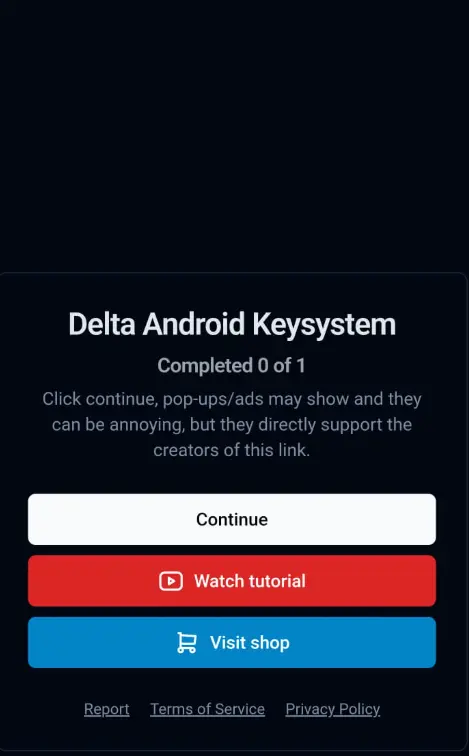
- Tap Receive Key. Your browser opens the key-system page.
- Tap Continue (ads or pop-ups may appear — finish the flow).
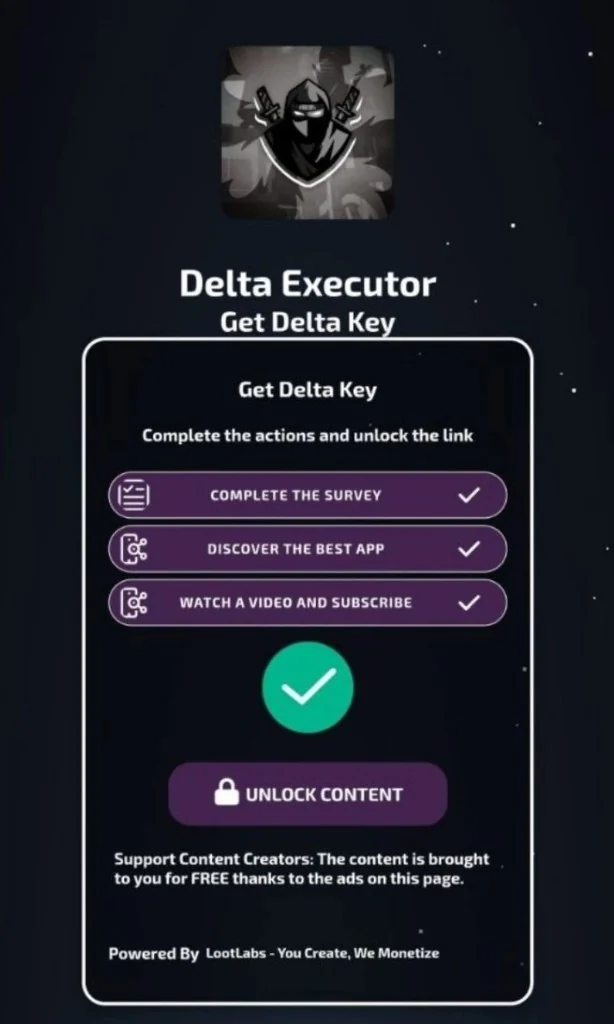
Step 2 — Complete every checkpoint
Finish each action row (survey, app, video). Wait for countdowns. When tasks are done, green ticks appear — then tap Unlock Content.
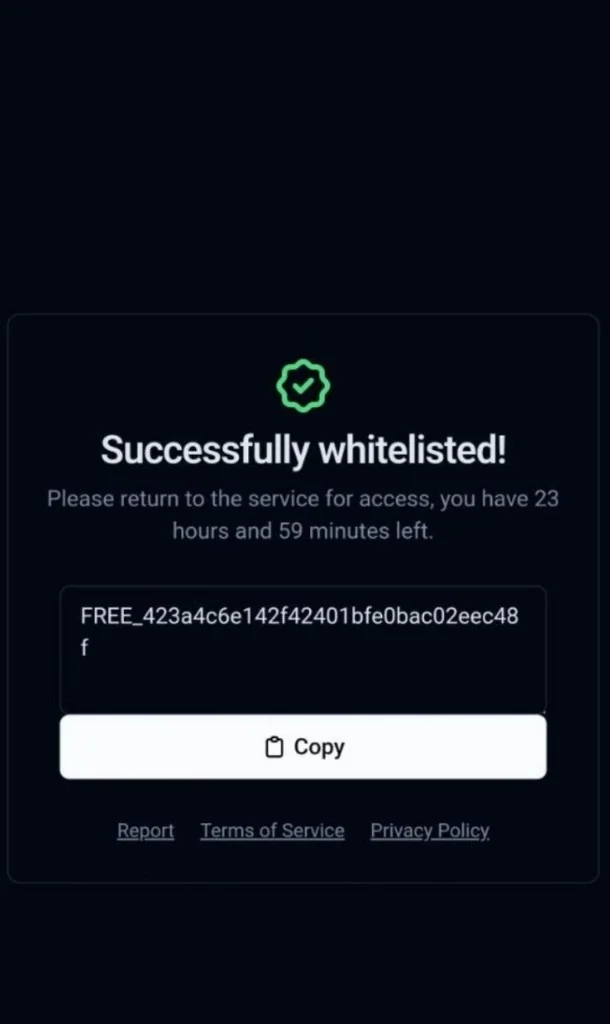
Step 3 — Copy the key
On the Successfully whitelisted screen, tap Copy. Free access typically lasts about 24 hours.
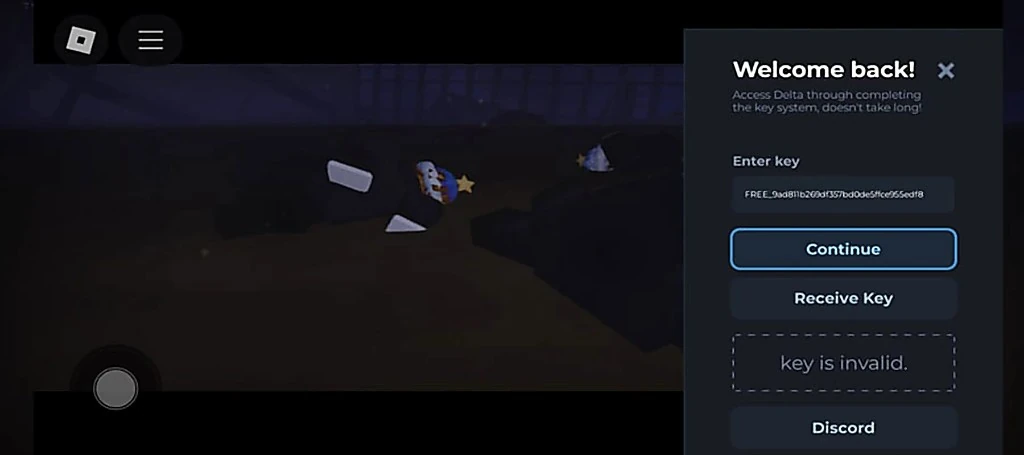
Step 4 — Paste the key in Delta
Switch back to Delta. On the Welcome back screen, paste into Enter key, then tap Continue. Use Receive Key again only if you still need a new key.
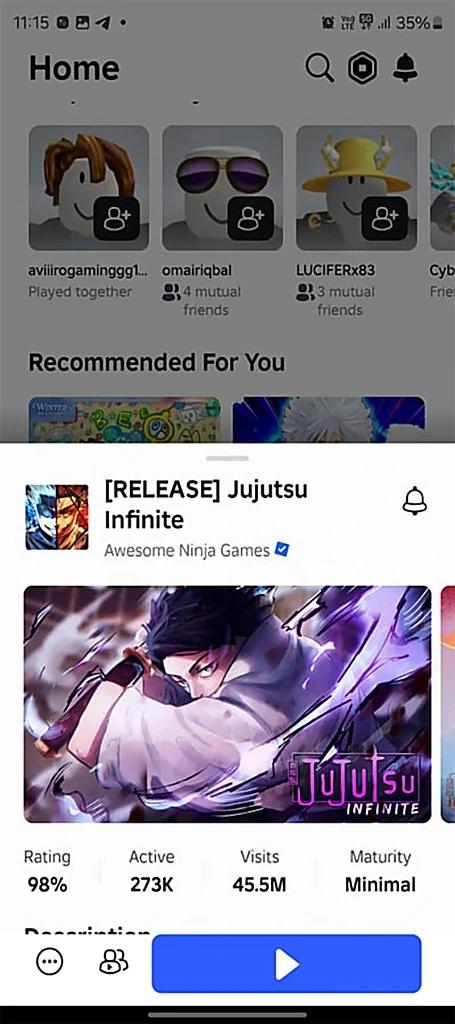
Step 5 — Open Roblox and Play
Open Roblox, pick your experience, and tap Play. After the game loads, return to Delta to inject when the executor is unlocked.
Tips
- Do not skip checkpoints — the page often resets if you jump ahead
- If the page loops, close it and tap Receive Key again from Delta
- Never buy “keys” from random chat sellers
Also see the key overview, iOS performance steps, Premium, and FAQ.